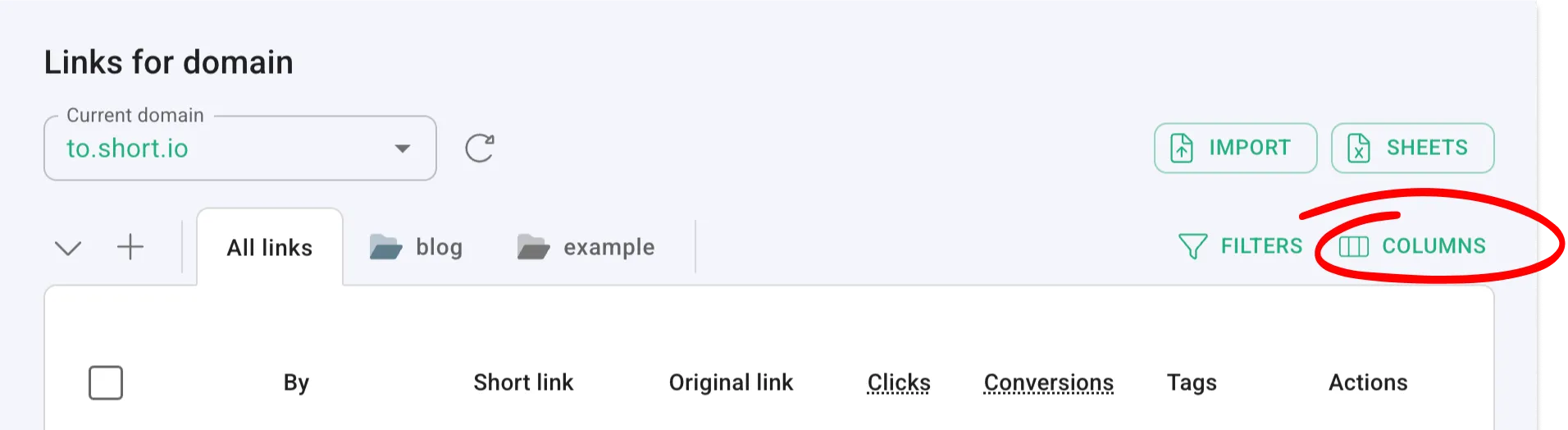
You can find the brand new “Columns” button right next to “Filters.”
Knowing how your links are used is important.
Sometimes, though, a piece of information might not be relevant to you, whether currently or in the long term.
So we added the “Columns” button — under “Dashboard” → “Branded links” — a way to hide anything you don’t need, tightening up your UI and UX experience.
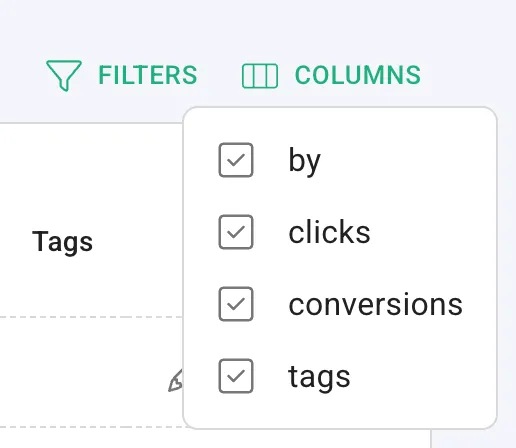
Just click on “Columns” and you’ll get to choose what to hide.
Give it a try today!